
Live demos
Every way to show a product in 3D and AR
Each demo is a real WooCommerce product running AtlasAR. Open one on your phone to place it in your room, or scan the QR code from a computer.
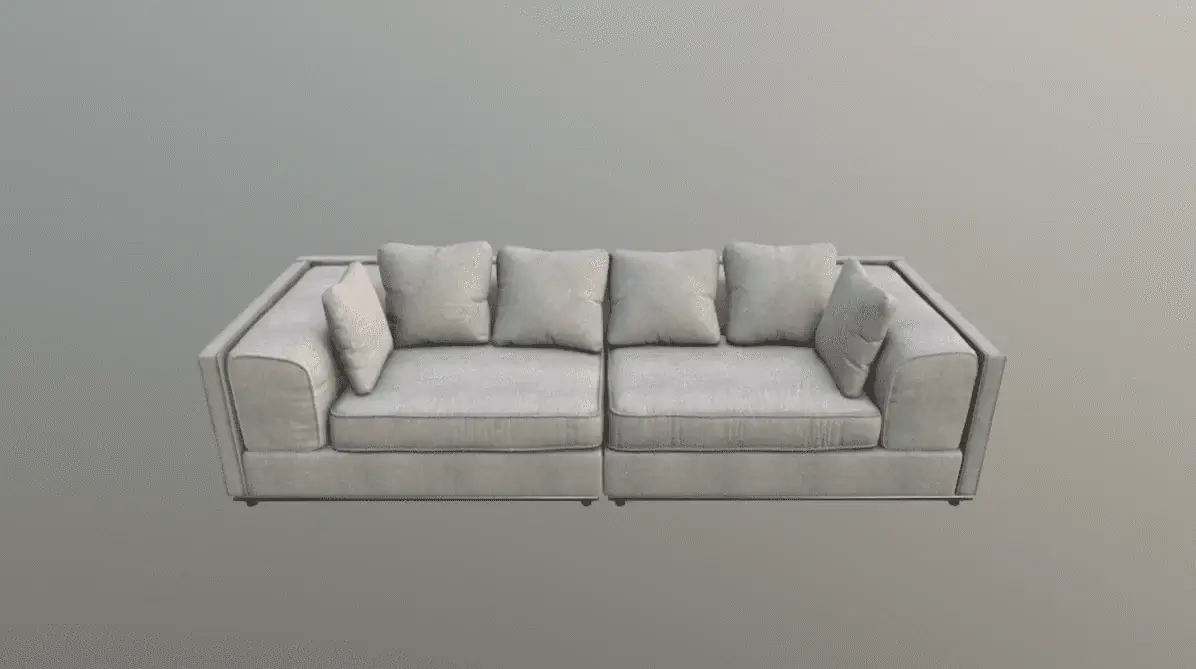
3D first in the gallery
Modern Sofa with 3D View & Augmented Reality
The 3D model replaces the main photo. The photo is one click away.
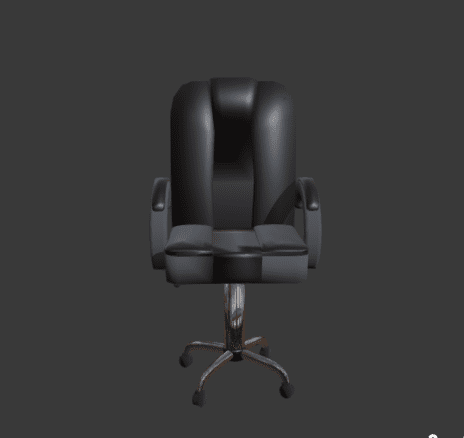
Photo first, 3D on demand
Office Chair View In Augmented Reality & 3D
The product photo shows first; a 3D button on it switches to the 3D view.
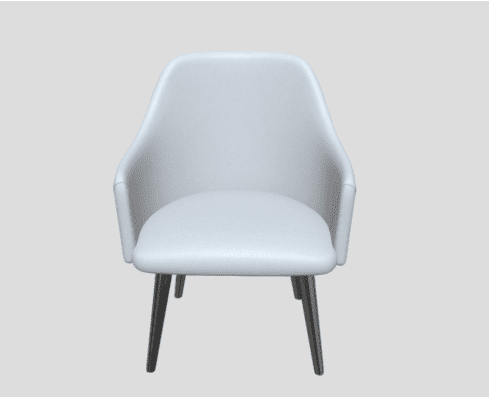
3D as a gallery slide
Dining Armchair View In Augmented Reality & 3D
The 3D view is one more slide next to the product photos.
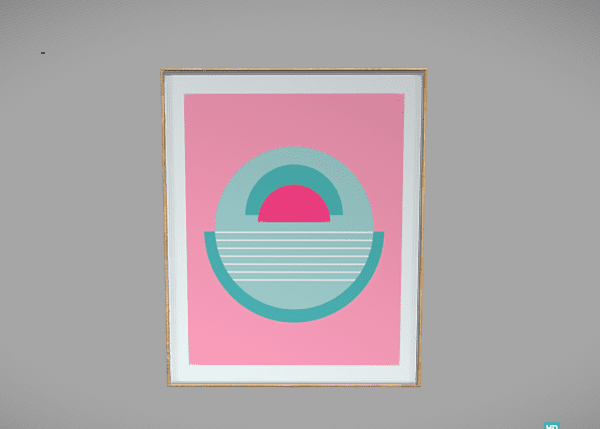
Button that opens a popup
Modern Painting View In Augmented Reality & 3D
A “View in 3D” button opens the model in a window. The page loads as fast as before.
3D in a product tab
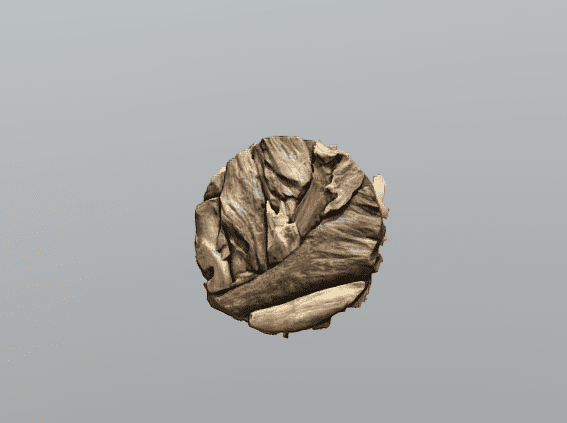
Wood Wall Decoration View In Augmented Reality & 3D
The 3D view sits in its own tab next to the description. AR places it on a wall.
Wall art on your wall
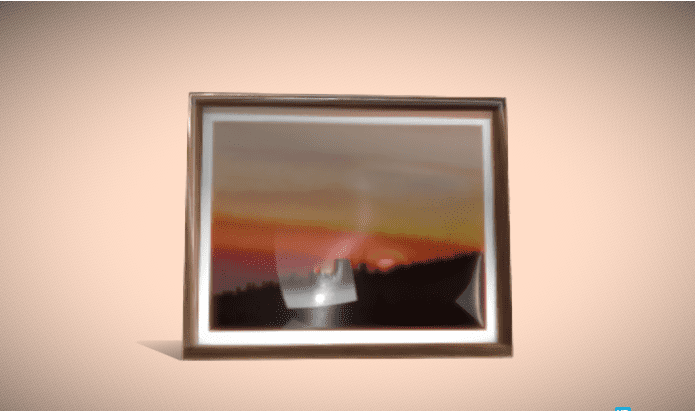
Sun Painting On Wall View In Augmented Reality & 3D
A painting in AR on the shopper’s own wall, at its real size.
Pro features and try-on
Variations, several models, hotspots, dimensions and virtual try-on. Models from the free AtlasAR Cloud library.
Variable product · Pro
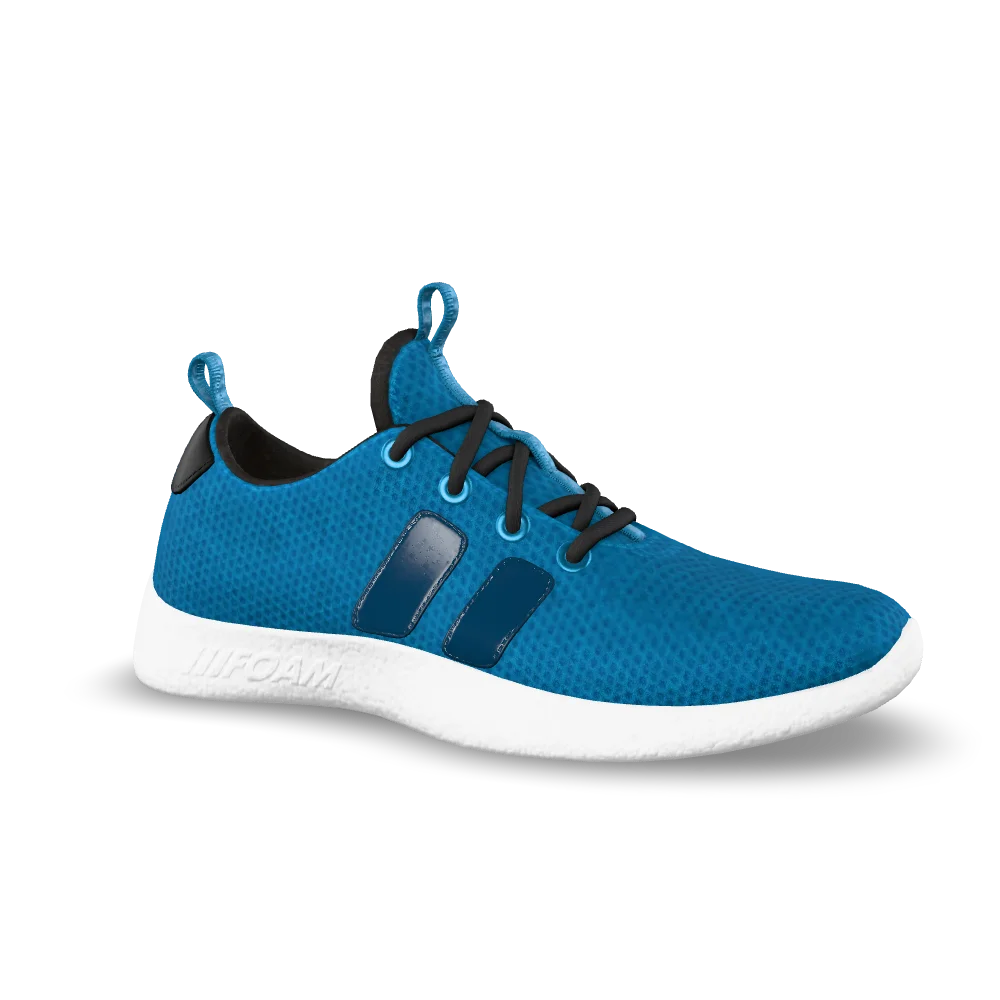
Sneaker in Three Colours (Variable Product)
Pick a colour and the 3D model switches to it, in 3D and in AR.
Several models · Pro
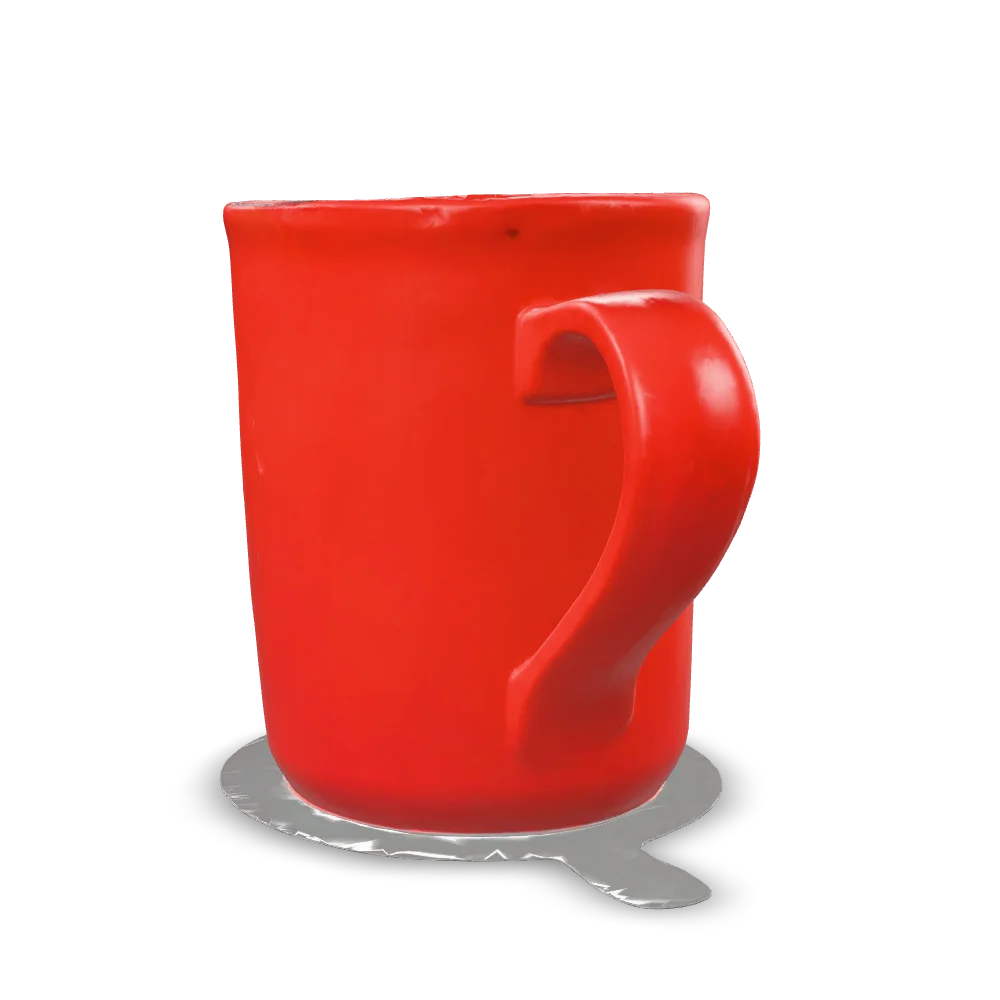
Mug and Vase Set (Several 3D Models)
One viewer with thumbnails for every model in a set. AR opens the one on screen.

Hotspots · Pro
Toy Car with Hotspots
Labels pinned to the model point out materials and details.
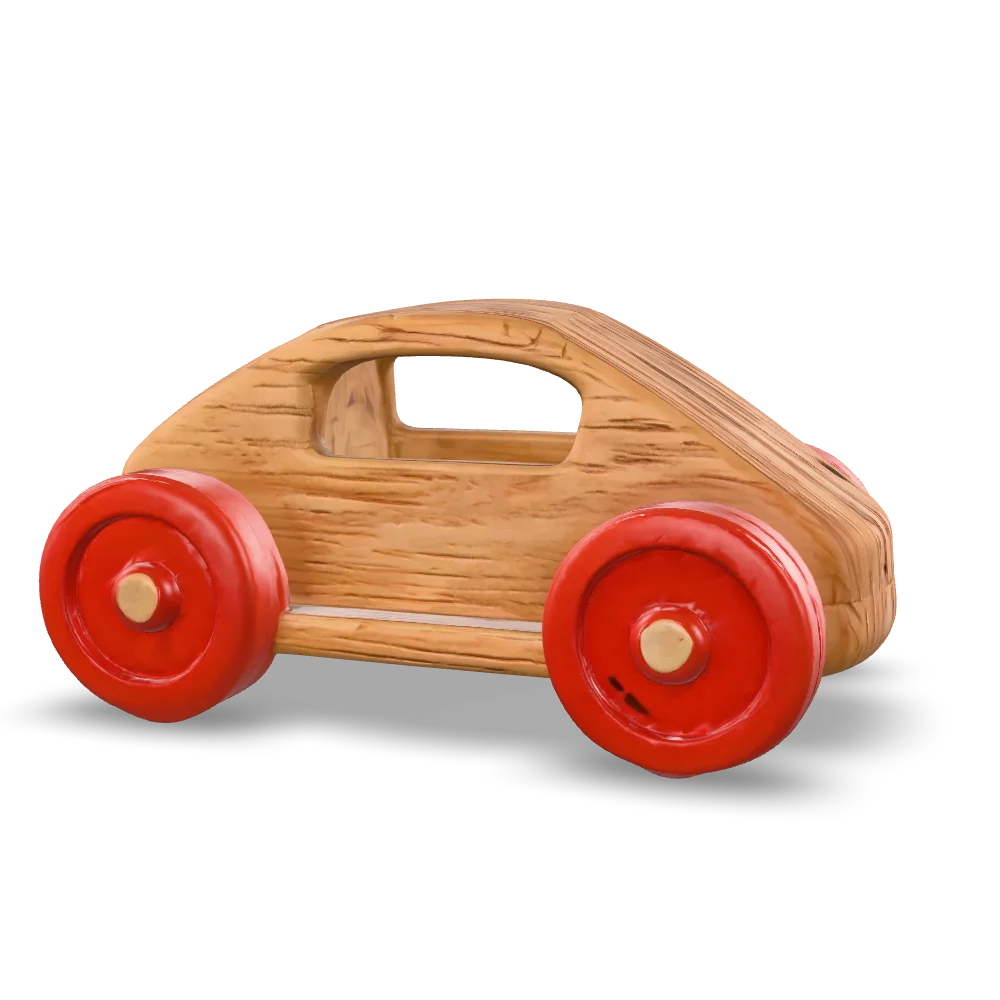
Dimensions · Pro
Wooden Toy Car with Dimensions
Width, height and depth measured from the model and drawn around it.
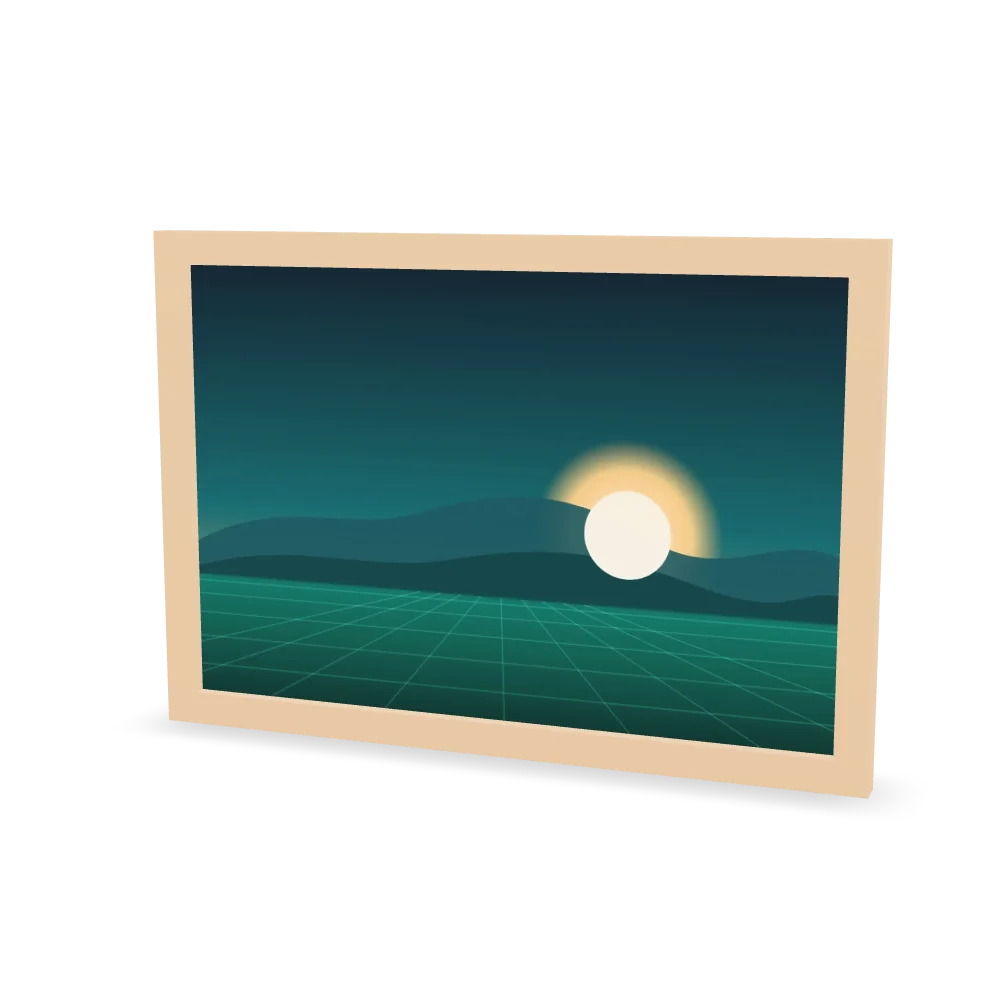
Custom dimensions · Pro
Framed Art Print with Custom Dimensions
Sizes typed by the shop (60 × 40 cm) shown on the model; AR puts it on the wall.
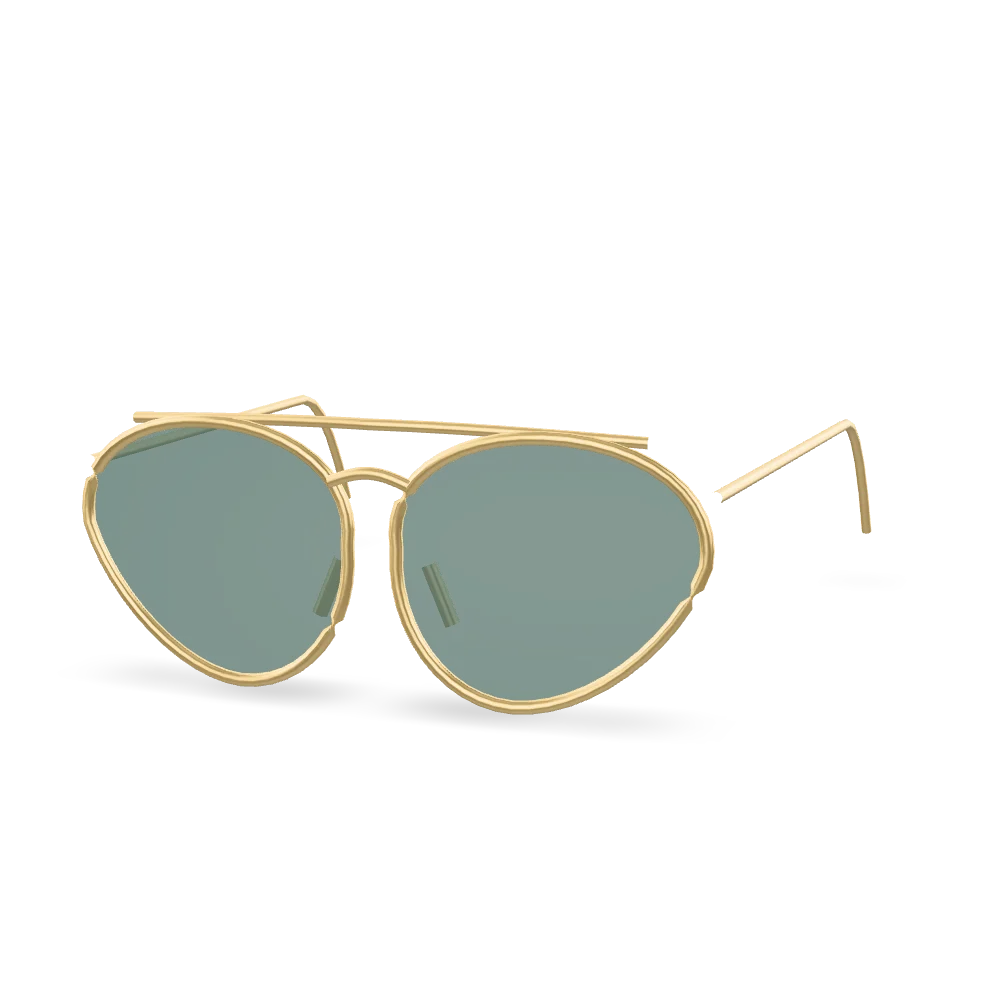
Virtual try-on
Aviator Sunglasses (Virtual Try-On)
Try glasses on with your camera, or on a sample face. Nothing is uploaded.